

Myths About Switching POS Systems That Keep Store Owners Stuck
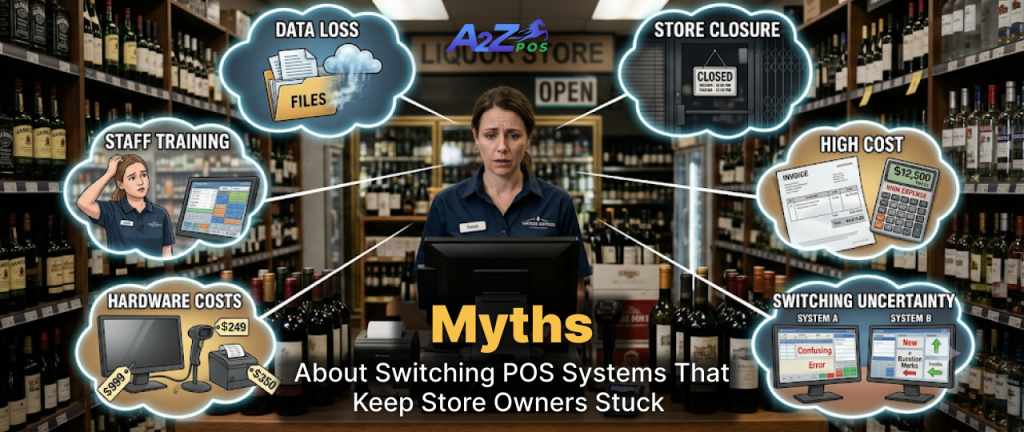
Choosing between pos systems for retail stores is hard enough. Then the worries start. Will I lose my data? Will my staff manage? Will the store close for days?
Most of these worries come from myths. They keep many owners on old systems for years. The old register still works, so the problem never feels urgent. Meanwhile the extra hours and small mistakes keep adding up.
Here are the five myths we hear most often, and what is really true.
Why These Myths Stick Around
Many owners hear about a bad switch from a friend. One story about lost data or a long shutdown spreads fast. People rarely talk about a switch that went fine, because there is nothing to tell. The bad stories are the ones that get passed around.
Time is the other reason. A switch feels like one more job on a full list. It is easier to live with a slow system than to find a free afternoon. Both reasons make sense. Neither one means the switch is risky.
Myth 1: You Will Lose All Your Data

This is the biggest fear, and it makes sense. Your product list, prices, and customer records took years to build. Nobody wants to type them in again.
The truth is that this data can move to a new system. It takes planning, but it is a normal part of any switch. Before you commit, ask the company three things:
- What exactly gets moved over?
- Who does the work, you or them?
- How long does it take?
Save a copy of your data before anything changes. That way you always have a backup. Our step-by-step guide to moving to an all in one pos system covers the whole process.
Myth 2: Your Staff Will Never Learn It
Cashiers worry about slowing down the line. Owners worry about mistakes in the first week. Both are fair concerns.
A good checkout screen is simple, though. Many cashiers learn the basics in a shift or two. Teach the few things they do all day first, such as ringing a sale, taking a return, and checking an ID. The rest can wait.
Here is what helps:
- Start with one register.
- Let your team ring practice sales before the first real day.
- Give everyone a short sheet with the five things they do most often.
- Let your busiest cashier try it first, then ask what felt confusing.
Myth 3: You Have to Replace All Your Hardware
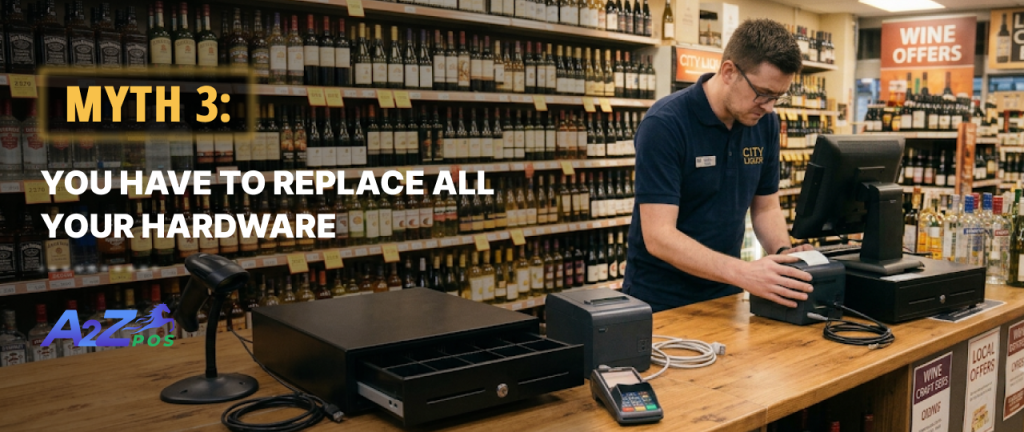
That depends on what you own. Some scanners and printers will work with a new system. Some will not. Ask for a list of hardware that works, and check what you already have against it.
Sometimes new equipment is the better choice. Old screens slow down. Old printers jam. If you do need to buy, choose one company that supplies the screen, scanner, printer, and software together. You have one place to call when something goes wrong, instead of three.
A2Z, for example, offers a seven-piece hardware bundle with a one year warranty. It includes a cashier touch screen, a customer screen, and a receipt printer. You also get a barcode and ID scanner, a cash drawer, a card reader, and a backup battery.
Myth 4: The Store Will Close for Days

Picture a sign on the door and customers walking away. That picture stops many owners before they start.
In most cases you can switch without closing. Pick a slow day, such as a weekday morning. Set up the new system while the old one keeps running. Run a test sale. Then move over when you feel ready. Keep the old system nearby for the first few days, just in case.
Myth 5: It Costs Too Much

The price depends on the plan you choose, the add ons you need, and whether you buy hardware. A single price does not tell you much. Ask for a full quote.
Then look at what your old system costs you. Add up the hours spent on stock counts done by hand. Add up the mistakes at checkout. Add up the time spent on reports that never match. Those hours have a price too, and you pay it every week.
You can see what each plan includes on our Packages page.
Signs It Is Time to Switch
You do not need all of these. If two or three sound familiar, it is time to start looking:
- Checkout slows down during busy hours.
- Your stock count never matches the shelf.
- Reports take hours to put together.
- You use a spreadsheet to fix what your system cannot do.
- Staff need long training for simple tasks.
- Your system cannot take online or delivery orders.
Questions to Ask Before You Switch
Take this list to every demo. The answers will tell you a lot.
- What happens to my product and customer data?
- Which of my current devices will still work?
- How long does setup take, and who does it?
- What training do my staff get?
- What is included in the price, and what costs extra?
- Who do I call when something goes wrong, and when are they open?
- Can I move to a bigger plan later without starting over?
A Simple Plan for Switching
Once the myths are out of the way, the move is easy to plan.
Before the Switch
- Save a copy of your product and customer data.
- Ask which of your current hardware will work.
- Pick a slow day for the change.
On Switch Day
- Start with one register.
- Run a test sale before you open.
In the First Week
- Keep the old system nearby.
- Ask your staff what felt slow or confusing, and fix it.
Switch With Less Worry
Each myth has the same fix. Ask questions first, and plan the move. The right pos retail software comes with real help for the switch, so you are never left to work it out alone.
If you are thinking about a change, schedule a demo and we will show you how the move works for your store.