

How to Switch Your Small Business to a Modern POS System (Step-by-Step)
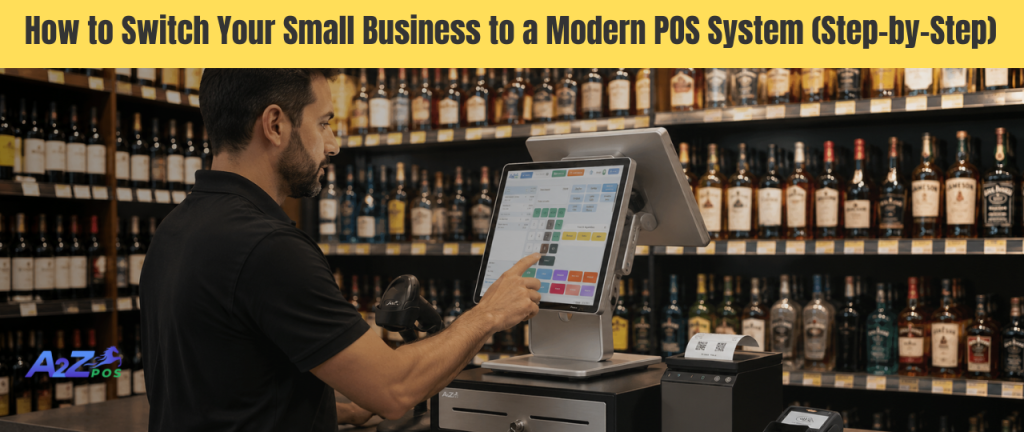
Switching to a new system at a small business can feel scary. There’s a fear of losing sales data, confusing the staff, or messing up a busy day. But here’s the truth: staying with an old, slow setup usually causes more damage than switching ever would. This guide breaks down the whole process into simple steps, so making the move to real POS software for small business operations feels less like a risk and more like a plan.
Step 1: Figure Out What’s Actually Wrong First
Before jumping into new software, it helps to write down what’s not working right now. Is checkout too slow during busy hours? Is stock counted by hand every week? Are sales numbers hard to track? Knowing the exact pain points makes it much easier to pick the right system later, instead of just picking something popular and hoping it fits.
Many small shops realize the same three problems keep recurring: slow checkout, inaccurate stock, and no clear picture of daily sales. If any of these sound familiar, it’s a clear sign that a better setup is overdue.
Step 2: Decide What the Business Actually Needs
Not every shop needs the same tools. A clothing store and a bottle shop don’t run the same way. This is why comparing options among POS systems for neighborhood stores should always start with the business’s own daily routine, not a generic checklist found online.
A few questions help narrow things down fast:
- How many products does the store carry, a few dozen or several hundred?
- Does the business need to check ID at checkout, as a liquor store does?
- Will one register be enough, or are multiple checkout counters needed?
Answering these honestly saves a lot of wasted time later.
Step 3: Set a Realistic Budget
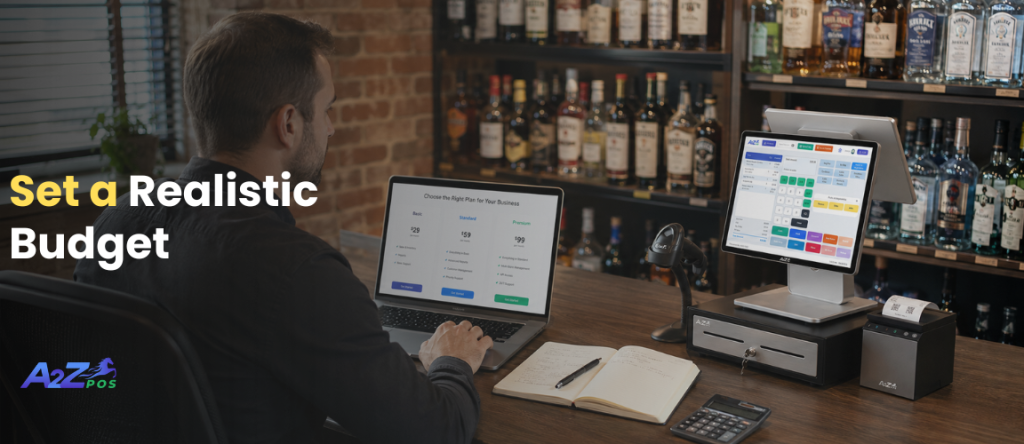
Cost is usually the first thing owners worry about, and that’s fair. Understanding POS system price ranges in advance avoids surprises down the road. Pricing usually falls into two parts: the hardware, such as the scanner, printer, and touchscreen, and the software, which is billed monthly or annually.
A basic POS machine for small business setup with simple features will cost less than a full system with inventory tracking, supplier tools, and detailed reports. It’s smart to compare what’s included in each price rather than just picking the lowest number, since missing features often lead to extra costs later.
Step 4: Choose a System Built for the Right Industry
This step gets skipped far too often. Many small businesses pick a generic system just because it’s popular, without checking if it actually fits their type of shop. A liquor store, for example, needs features a regular retail system may not even offer, like age verification and tracking hundreds of different bottle sizes.
Choosing software made specifically for the business type, rather than adapting a general tool, tends to save a lot of frustration in the first few months after switching.
Step 5: Move the Data Over Carefully
This is often the part owners worry about most, moving old sales records, product lists, and supplier details into the new system. Most modern systems make this easier than expected, offering built-in tools to import existing data instead of typing everything in by hand.
It still helps to double-check a few things before going live:
- Product names and prices match correctly.
- Stock counts reflect what’s actually on the shelves.
- Supplier information carries over without errors.
Rushing this step is the most common mistake small businesses make during a switch.
Step 6: Train the Staff Before the Busy Days
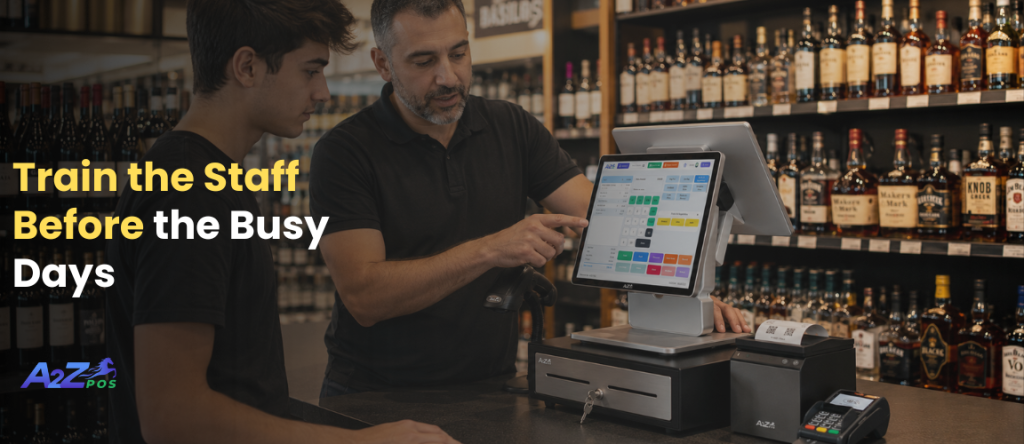
Encouraging staff to ask questions early, instead of guessing during a busy shift, prevents small mistakes from turning into bigger ones at checkout.
Step 7: Run Both Systems Side by Side (Briefly)
For the first few days, it can help to keep the old system available as a backup while the new one takes over. This isn’t necessary for long, usually just a few days, but it gives everyone a safety net in case something needs double-checking during the switch.
Once the new system proves it’s working smoothly, the old one can be retired completely.
Step 8: Watch the First Few Weeks Closely
The first two to three weeks after switching are the most important. This is the time to check reports daily, make sure inventory numbers are updating correctly, and confirm that sales totals match what’s actually in the register. Small issues are much easier to fix early than after they’ve been ignored for a month.
Why This Effort Pays Off?
It’s easy to put off switching systems because the process feels like a hassle. But most small business owners who make the move say the same thing afterward: they wish they had done it sooner. Faster checkout lines, accurate stock counts, and clear daily reports quickly become the norm, rather than something to hope for.
A well-chosen POS software for liquor store setup doesn’t just replace an old cash register, it removes daily stress that had quietly become part of running the store.
Bringing It All Together
A2Z POS was designed to make this exact switch simple, especially for liquor stores and neighborhood markets that can’t afford downtime or confusion during a busy week. From setup to staff training to daily reporting, everything is built to work together from day one.
Thinking about making the switch but not sure where to start? Talk to the A2Z POS team and get a clear plan built around how the store actually runs.
Seeing the system in action makes the decision a lot easier. Book a demo for free and watch it run with real store data, not just a sales pitch.