

Best POS System for Small Business Owners in 2026
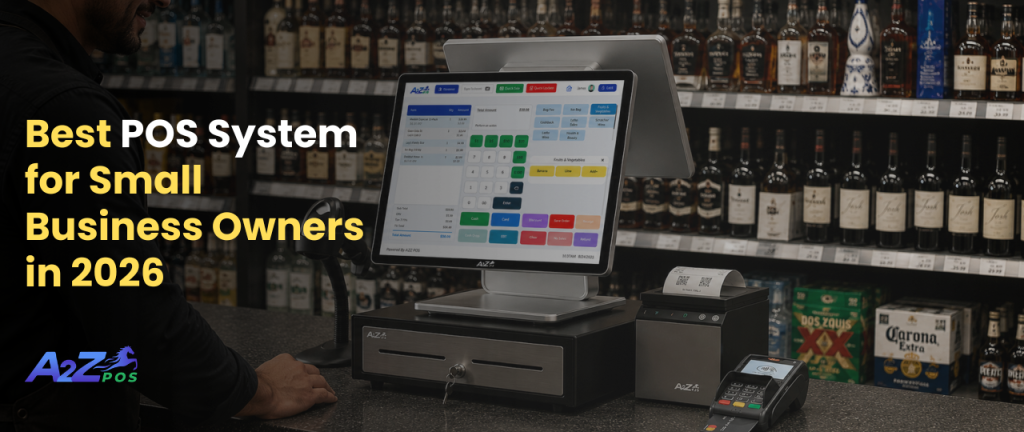
Running a small business in 2026 is hard work. The owner has to manage staff, talk to customers, order stock, check the money, and still feel okay by the end of the week. One big choice makes all of this easier or harder: what machine and software are running the front counter? If the wrong one is picked, everything else becomes harder too. If the right one is picked, many small problems just go away on their own.
The Question People Forget to Ask Early
Most store owners don’t think about their POS setup until something goes wrong. Maybe the register freezes on a busy night. Maybe the stock count has been wrong for weeks. Maybe a customer points out a wrong price. By then, the problem has already caused trouble. It’s smarter to ask early: is the system actually helping the business, or is the business just working around its problems?
This is why it helps to understand what a good POS system should really do, before a bad night forces the question.
What a Good System Looks Like?
A good system in 2026 is not about having a long list of fancy features. It’s about how little the owner has to think about it during a normal day. A good POS system for small business owners should quietly handle the boring tasks, like tracking stock, saving sales, and updating numbers. This way, the owner can focus on customers and growing the business instead of spreadsheets.
Here are a few signs of a system that actually helps:
- It updates on its own. Stock numbers and sales totals should not need to be checked by hand every night.
- It’s easy to learn. New workers should be able to use it well after just a shift or two, not a full week of training.
- It stays out of the way. A good system works quietly in the background. It doesn’t need someone watching it all the time.
If a system still needs a lot of double-checking or extra manual work, it’s not really saving time. It’s just moving the work somewhere else.
Why Liquor Stores Are Different?
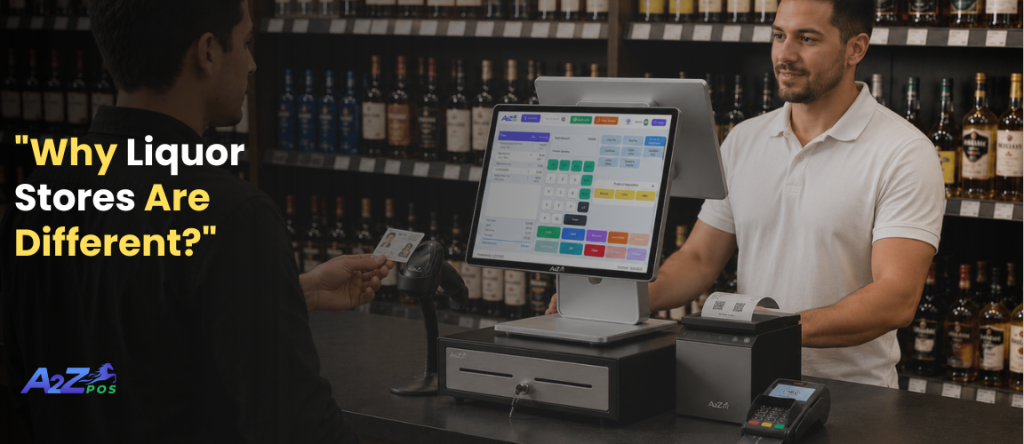
Here’s something most “best POS” advice forgets: liquor stores are not like regular shops. Checking a customer’s age is the law, not a choice. The stock is not small either; it’s often hundreds of different bottles, sizes, and brands. A slow checkout line on a busy Friday night is not just annoying; it means losing money as people give up and leave.
This is why a liquor store POS system needs to be built differently from software made for a bakery or a bookstore. A pos system liquor store owners can really trust needs to handle these things from the start, not add them later as an afterthought.
The Truth About Inventory
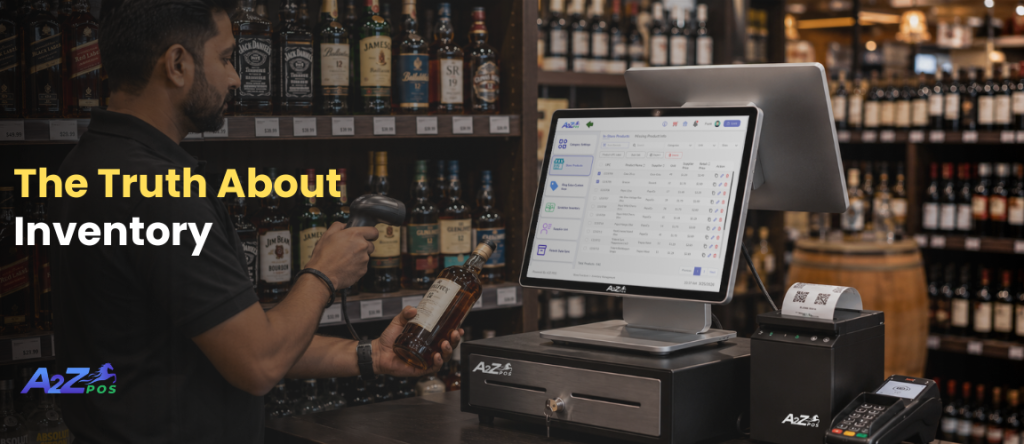
Ask any liquor store owner what takes up the most time each week, and stock counting is usually at the top. Counting bottles by hand. Checking supplier papers. Finding out a popular drink ran out three days ago, only because a customer asked for it. None of this is small. It adds up to many lost hours and lost sales every month.
Good liquor store inventory software fixes most of this problem. Here’s what changes once it’s in place:
- Stock updates with every sale, so the numbers stay correct without anyone counting by hand.
- New deliveries update stock automatically, so no one has to type it in manually.
- Low-stock alerts warn early, so a popular item doesn’t disappear without notice.
Work that used to take a whole evening now happens quietly in the background, with no clipboard needed.
Why Being at the Store Shouldn’t Be Necessary
There’s an old idea that running a store means always being there in person to know what’s going on. That’s not true anymore. Online pos software changes this completely. It lets an owner check sales numbers, stock levels, and how the store is doing, right from a phone. This works from home, while running errands, or even while checking on a second store.
For a small business owner already juggling many jobs, this kind of access from anywhere is not just a nice extra. It’s often the difference between staying in control of the business and always trying to catch up.
How to Compare Systems the Smart Way
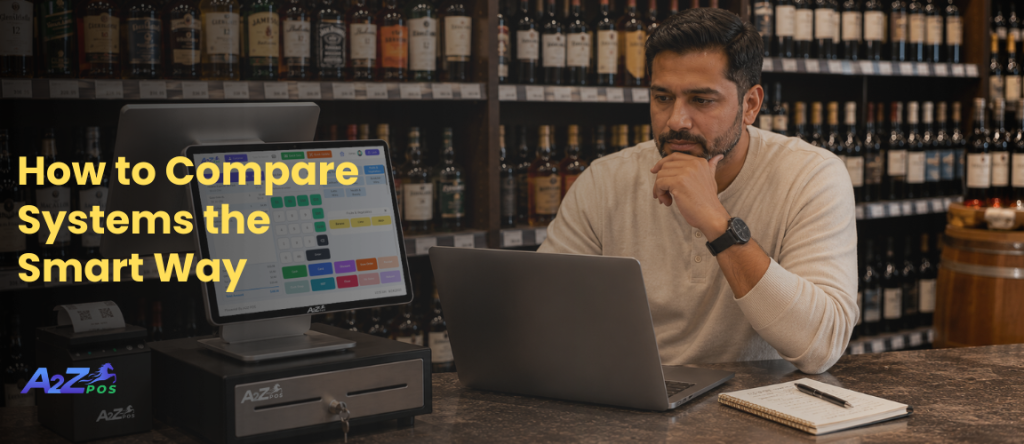
It’s easy to just look at the price when comparing systems. But a smarter way is to look at what each system actually removes from your daily work. A cheap system that still needs manual stock counting, a separate spreadsheet, and another tool for reports isn’t really cheap. It’s just moving the cost from money to time. This is why owners looking for the best pos for liquor store setup often choose to pay a little more, since it replaces three or four different tools with just one.
The same thinking applies when comparing the top liquor store pos systems in 2026. A few simple questions can help tell the good ones apart:
- Does it check age automatically, or does staff still have to check IDs by hand every time?
- Can it handle many suppliers and bottle sizes without extra steps?
- Can reports be checked from a phone, or only from one machine in the store?
The best systems are not always the ones with the most features. They are the ones that solve the real, everyday problems that liquor stores face.
What Changes When the Right System Is Used
The change is usually not big on the first day. It shows up slowly: a Friday night that goes smoother, a low-stock alert that catches a problem early, an evening that ends without hours of checking numbers by hand. Owners who make the switch often say it doesn’t feel like a huge change. It feels more like small problems quietly going away.
That is really what a good POS system should do. Not add more work, but take work off a very full plate.
Bringing It All Together
A2Z POS was built for exactly this kind of business: liquor and neighborhood stores that deal with age checks, big stock lists, and busy checkout lines every day. Sales, stock tracking, and reports all live in one connected system. This means owners don’t have to switch between different tools or check numbers by hand.
Want to see what a normal week would look like without counting stock by hand? Get a walkthrough of A2Z POS and find out exactly where those missing hours have been going.