

How to Use Your POS System to Track Employee Hours and Performance?
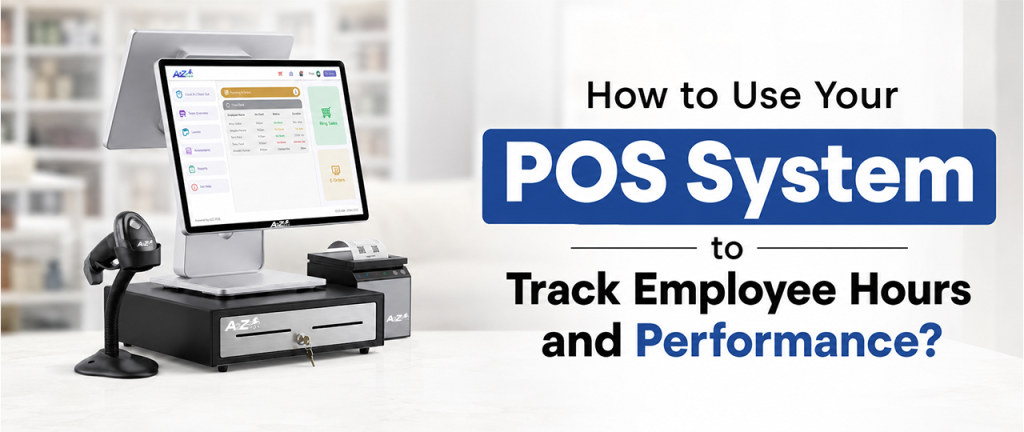
Managing a small team sounds simple until payday rolls around, and nobody can agree on how many hours someone actually worked. Paper timesheets get lost, shift swaps go unrecorded, and figuring out who’s really pulling their weight becomes a guessing game. This is exactly the kind of daily mess a modern employee tracking system is built to clean up, right from the same machine that already runs the checkout counter.
Why Paper Timesheets Don’t Work Anymore?
Most small stores, especially liquor stores and neighborhood markets, run lean teams across multiple shifts. Staff changes often, seasonal hires come and go, and everyone works different hours during the week. Managing all of this through printed timesheets and handwritten schedules leaves too much room for error. Hours get miscounted, shift swaps get forgotten, and none of it connects back to what’s actually happening at the register.
A connected employee tracking system fixes this by pulling staffing directly into daily store operations, so scheduling, hours, and performance all live in one place instead of scattered across notebooks and sticky notes.
Step 1: Set Up Digital Onboarding
Before any hours can be tracked, new hires need to be set up properly in the system. Instead of printed forms and manual paperwork, a good POS-based system lets new employees get onboarded digitally, straight into the platform they’ll be using every shift. This alone saves a surprising amount of time during busy hiring seasons when turnover tends to be higher.
Step 2: Build the Weekly Schedule
Once staff is onboarded, the next step is scheduling. A solid employee scheduling app built into the POS lets managers build weekly schedules by role in just a few minutes, rather than manually juggling names and shift times in a spreadsheet. Assigning roles ahead of time also means everyone knows exactly what they’re responsible for before they even clock in.
This matters more than it sounds. A liquor store running a busy Friday night needs the right number of people in the right roles, not a schedule pieced together the night before out of guesswork.
Step 3: Let Clock-In and Clock-Out Do the Tracking
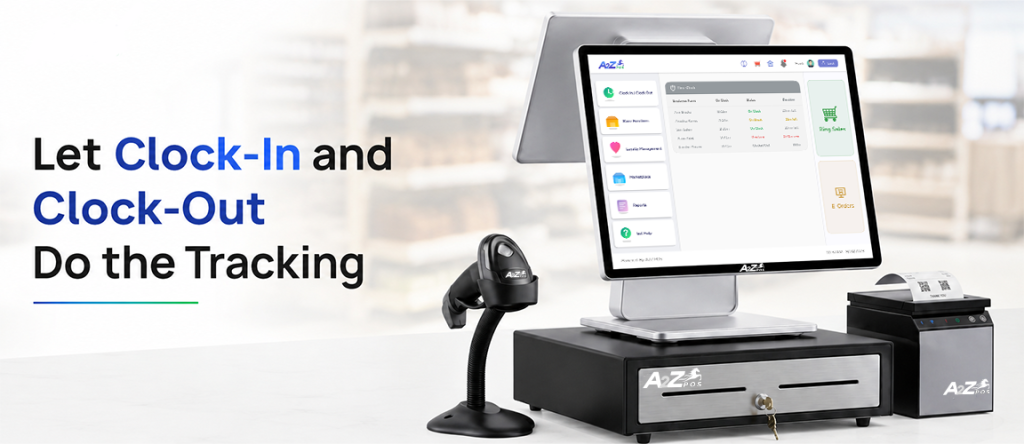
This is where the real time-saving happens. Once a schedule is built, clock-in and clock-out actions are tied directly to each shift, so hours are tracked automatically the moment someone starts or ends their workday. There’s no need to manually calculate hours at the end of the week or cross-check a timesheet against the schedule. The numbers are already sitting there, accurate and ready.
For any owner who’s spent an evening adding up hours by hand, this step alone makes the switch worth it.
Step 4: Control Access by Role
Not every employee needs the same level of access at the register, and this is where role-based access control becomes useful. Permissions can be assigned based on each employee’s role, so a new part-time hire doesn’t have the same access as a shift supervisor. This isn’t just about performance tracking; it also adds a layer of security, since sensitive actions like voids or discounts can be limited to the right people only.
Step 5: Simplify Payroll Instead of Recalculating It
Payroll is usually one of the most tedious parts of running a small team. With hours and shift records already captured inside the system, payroll settings can be configured once, rates, pay periods, and everything else, so processing payroll becomes a quick review-and-approve step instead of a manual data-entry task every single cycle.
This alone removes hours of repetitive work each pay period, work that used to mean digging through timesheets and re-entering numbers by hand.
Step 6: Track Real Performance, Not Just Hours
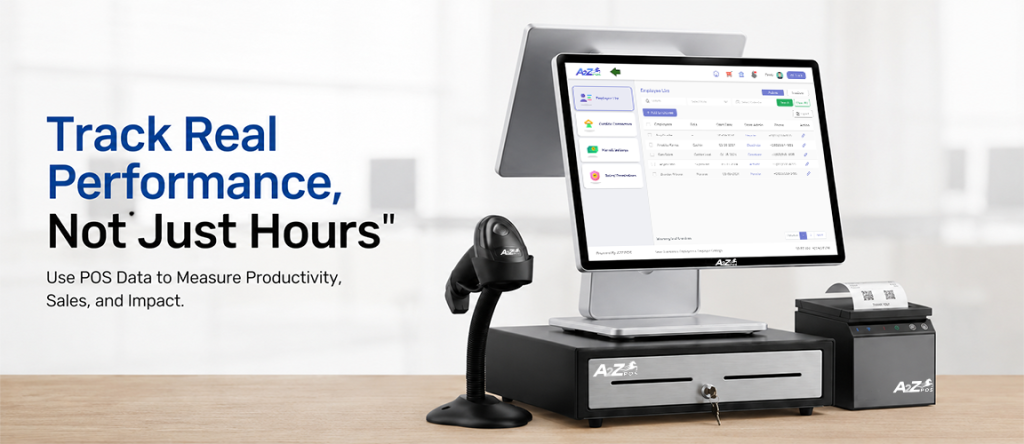
Tracking hours is only half the picture. A proper employee tracking system should also show how each employee is actually performing on the floor. This means being able to see sales volume, discount usage, and void activity broken down per employee, giving a much clearer picture of who’s contributing well and where issues might be showing up.
Unusual register activity can also be flagged automatically, making it far easier to catch problems early rather than noticing them weeks later during a routine check.
Why This Approach Actually Works?
The biggest advantage of tracking hours and performance directly through the POS, rather than using separate spreadsheets or paper systems, is that everything updates in real time. There’s no lag between what’s happening at the register and what shows up in the reports. Scheduling, access control, and performance data all live in one connected place, which means fewer mistakes and far less time spent chasing down information.
For a small business owner already stretched thin across daily operations, this kind of visibility isn’t just convenient. It’s often what makes the difference between guessing how the team is doing and actually knowing.
What Changes for the Team, Not Just the Owner?
It’s easy to think of employee tracking as benefiting only management, but staff usually notice the difference too. Clearer schedules mean fewer last-minute confusions about who’s working when. Accurate hour tracking means fewer disputes over paychecks. And a system that flags issues early, instead of after they’ve piled up, tends to create a more organized, less stressful environment for everyone on the floor.
In the end…
A2Z POS brings all of this together inside one Employee module, built specifically for liquor stores and neighborhood markets running lean teams across busy shifts. Digital onboarding, shift scheduling, role-based access, and performance tracking all live in the same system already running the register, so nothing gets managed separately or tracked twice.
Less paperwork tends to mean a stronger, better-organized team. See the employees module in action and find out how much time gets freed up once scheduling and payroll stop living on paper.