

Employee Scheduling for Retail Stores: Tips, Tools & Best Practices
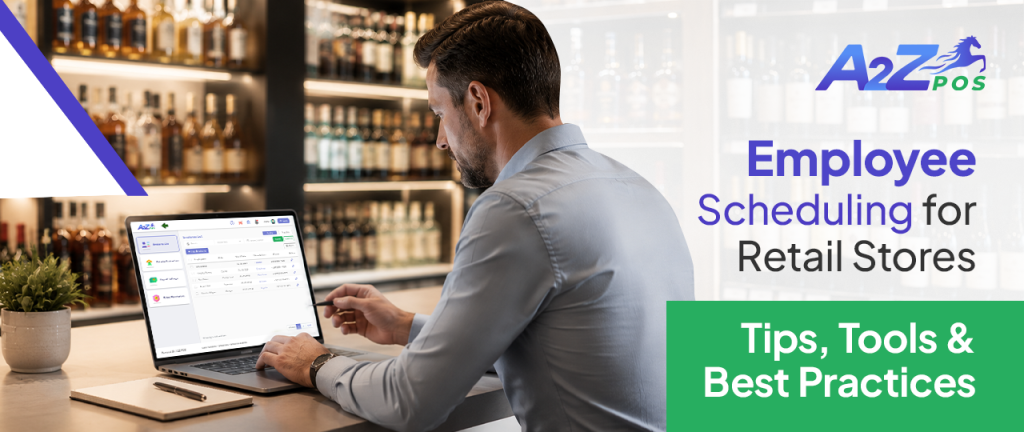
Ask any retail manager what quietly eats up their week, and scheduling almost always makes the list. Not because it’s complicated in theory, just assign shifts and move on, but because retail schedules rarely stay simple. People call in sick, weekends need extra coverage, and someone always ends up either overworked or barely scheduled at all. A good employee scheduling app doesn’t just organize shifts, it removes a whole category of daily stress that most store owners have simply learned to live with.
Why Retail Scheduling Is Harder Than It Looks?
Unlike office jobs with steady nine-to-five hours, retail runs on unpredictable patterns. Weekends get busier, holidays need extra hands, and slow weekday afternoons need barely any staff at all. Add in part-time workers, seasonal hires, and last-minute call-outs, and a simple spreadsheet quickly turns into a weekly headache.
This is exactly why so many stores are moving away from manual scheduling and toward proper POS retail software that handles staffing directly alongside sales and inventory, rather than managing it separately.
Tip 1: Build Schedules Around Real Sales Patterns, Not Guesswork
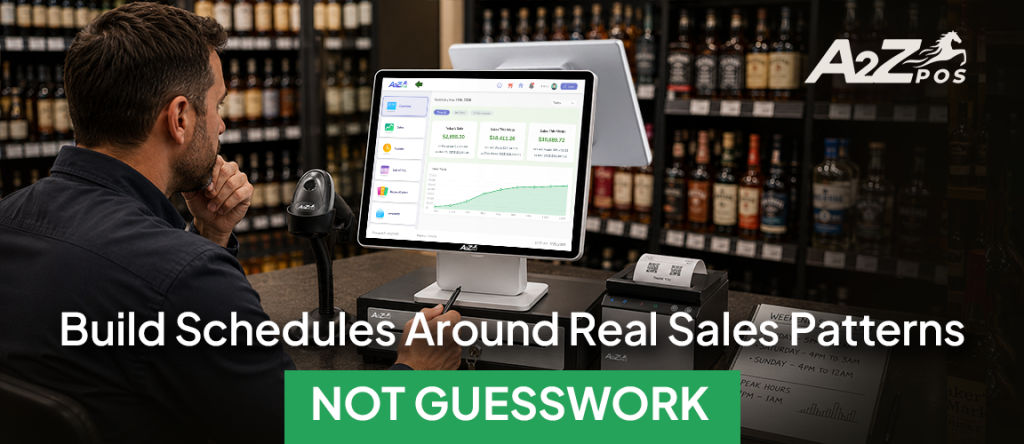
One of the most common scheduling mistakes is staffing the same way every day. A Tuesday afternoon and a Friday night don’t need the same number of people behind the counter, yet many stores schedule as if they do. Smart scheduling means analyzing actual sales data to identify when foot traffic peaks and adjusting staffing levels accordingly.
This is where a connected pos sales system becomes genuinely useful. Since sales and staffing live on the same platform, it becomes much easier to match schedules to actual demand rather than relying on rough estimates or last year’s memory.
Tip 2: Assign Roles, Not Just Shifts
A schedule that only says who’s working, without specifying what they’re responsible for, tends to create confusion the moment the store gets busy. Assigning clear roles ahead of time, who’s on register, who’s handling stock, who’s managing the floor, means less scrambling once customers start walking in.
A modern employee tracking system makes this simple by letting roles get built directly into each shift, so everyone knows their responsibility before they even clock in.
Tip 3: Keep Clock-In and Payroll Connected
Manually tracking hours and calculating payroll separately from scheduling are among the biggest time drains in retail. When clock-in and clock-out are tied directly to scheduled shifts, hours get recorded automatically, with no need for a manager to cross-check timesheets against the schedule at the end of the week.
This kind of setup turns payroll from a tedious data-entry task into a quick review-and-approve step, saving hours every single pay period.
Tip 4: Give Employees the Right Access, Not Full Access
Not every team member needs the same level of control at the register. A new part-time hire probably shouldn’t have the same permissions as a shift lead. Role-based access isn’t just about organization; it’s also a basic security measure that limits sensitive actions like voids and discounts to the staff who should actually be handling them.
Good POS for retail business setups usually include this kind of access control built in, rather than treating it as a separate add-on feature.
Tip 5: Watch Performance, Not Just Attendance
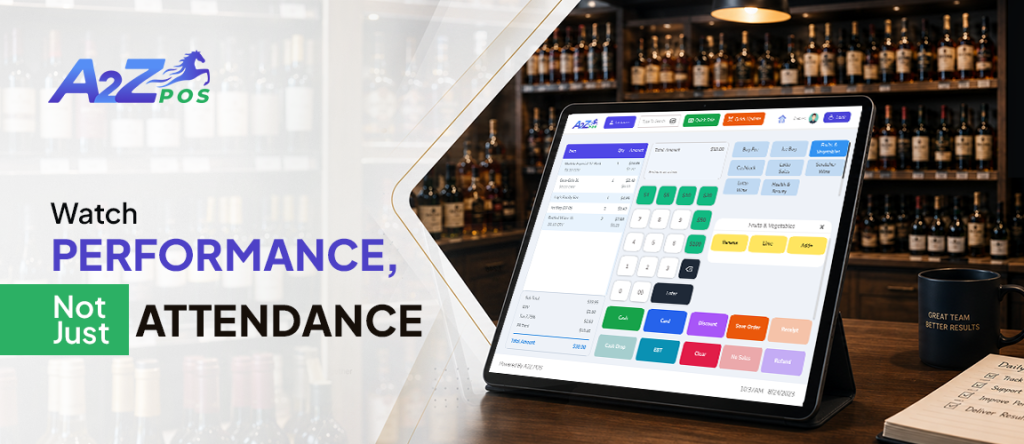
Scheduling isn’t only about who shows up; it’s also about how they perform once they’re there. Tracking sales volume, discount usage, and void activity per employee gives a much clearer picture of who’s actually contributing well on the floor. It also makes it easier to spot unusual patterns early, rather than discovering a problem weeks after it started.
This is one of the biggest advantages of using a proper POS for business setup: it connects scheduling with performance data, rather than treating attendance and performance as two completely separate things to track.
Tip 6: Avoid Overstaffing and Understaffing at the Same Time
It sounds contradictory, but many retail stores manage to overstaff during slow hours while understaffing during peak hours, all in the same week. This usually happens when schedules are built from habit rather than actual data. Reviewing sales reports regularly and adjusting the schedule accordingly prevents both problems at once, cutting unnecessary labor costs while making sure busy hours are properly covered.
Tip 7: Make Shift Swaps Easy, Not a Headache
Life happens, and employees will occasionally need to swap shifts or request time off. Without a clear system, this usually means a flood of text messages and confusion about who’s actually covering what. A proper pos retail store setup with built-in scheduling tools makes shift changes visible to everyone involved, reducing miscommunication and last-minute scrambling.
One Connected System Beats Five Disconnected Ones
Retail stores that manage scheduling, attendance, and performance through separate tools often end up with mismatched numbers and duplicated work. Combining everything inside one connected system, especially one already tied to daily sales, removes this disconnect completely. Owners get a real-time view of both their store’s performance and their team’s contribution to it, without needing to check three different places to piece the full picture together.
For liquor stores and neighborhood markets specifically, where staff often work varying shifts across a busy week, this kind of connected setup tends to matter even more. A slow scheduling process or a payroll mistake can quietly cost hours of management time every single week, time that could go toward actually running and growing the business instead.
A2Z POS handles scheduling, attendance, role-based access, and performance monitoring in a single platform built for liquor stores and neighborhood markets. No separate app for staffing and a separate one for sales, just one system that updates itself as the day happens.
Ready to see it running with real store data? Schedule a free demo and find out how much smoother a fully staffed week could actually look.