

Why Your POS Reports Never Match Your Real Sales Numbers
You close the register at night. The cash drawer says one thing. The card total says another. The report from your pos sales system says a third. You count again and check the receipts. An hour later, you still cannot say which number is right.
Almost every store owner has been there. A reliable report should end that argument. When it does not, there is usually a simple reason behind the gap.
Signs Your Reports Are Off
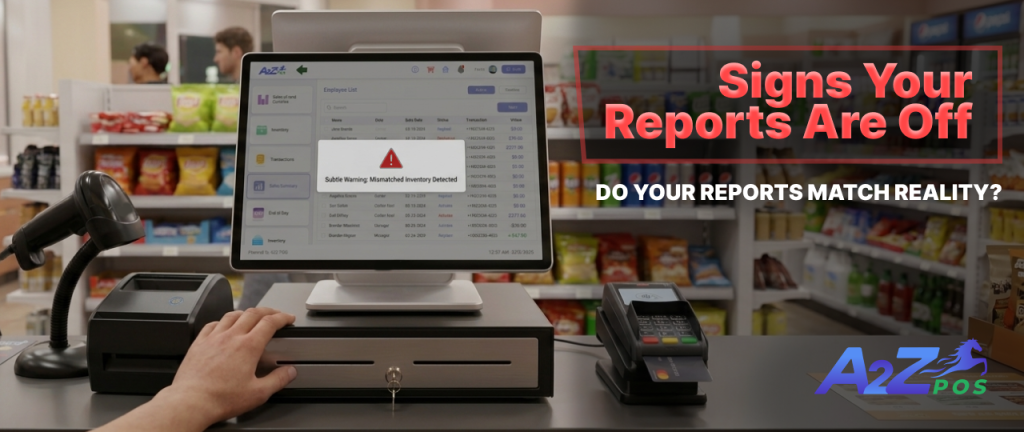
Some mismatches are loud. Others hide for weeks. Here are the ones to watch for:
- Your cash and card totals never add up to the report total.
- Stock counts drift away from what is on the shelf.
- You export to a spreadsheet every week just to fix the numbers.
- Two employees give you different totals for the same day.
- Your margins look too good, or too bad, to be true.
If two or more of these sound familiar, the gap is already costing you time.
Where the Gap Comes From
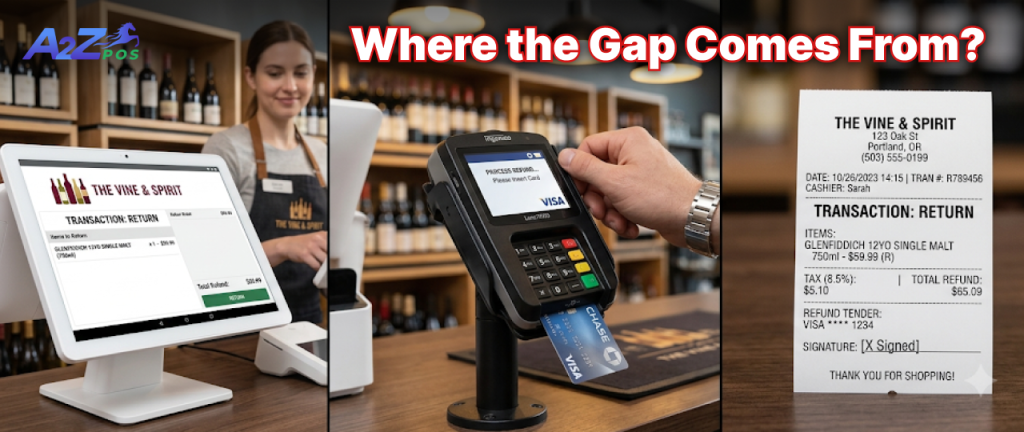
Reports rarely lie on purpose. They show a number built from whatever data reached them. The gap usually comes from a few ordinary places.
The Day Ends at Different Times
Your register may close the day at midnight. Your card processor may close it at a different hour. Card payments can also reach your bank a day or more after the sale. Each one is correct on its own terms, but they are measuring slightly different days.
Returns, Voids, and Discounts
One person counts a return as a negative sale. Another subtracts it from the total later. A voided item can vanish from one report and still show up in another. These small differences add up fast on a busy weekend.
Tools That Do Not Talk to Each Other

This is the biggest cause. When your pos software system is separate from your stock count and your payment records, each one keeps its own version of the day. Someone then has to line them up by hand. Hand matching is where most mistakes get in.
A Quick Way to Find Your Own Gap
Pick one day from last week and check it step by step.
- Write down the total from your sales report.
- Add up the cash from the drawer and the card total from your processor for the same hours.
- Count the returns and voids from that day.
- Compare the items sold with the drop in your stock count.
- Mark the first place where the numbers stop matching. That is usually where the problem starts.
What A2Z Reporting Does About It
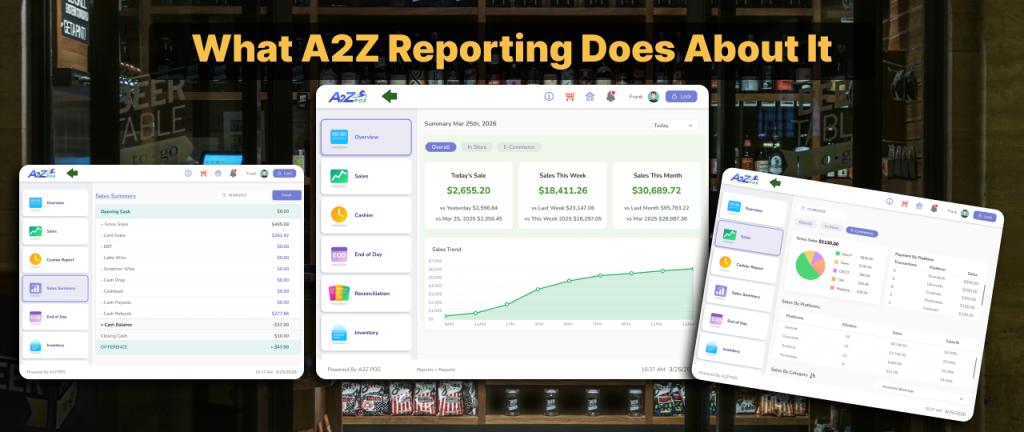
A2Z keeps sales, payments, and stock in one platform, so every report draws from the same data. The reporting page lists four tools that matter here:
- Real time sales dashboard. End of day totals, hourly trends, and top selling products, updated as sales happen.
- Audit and reconciliation. Match sales, payments, and inventory in one place instead of three.
- Category and margin analysis. See margin for spirits, wine, beer, tobacco, and snacks, so buying decisions rest on real numbers.
- Export reports. Clean CSV, PDF, or Excel files for reconciliation or tax prep.
Why a Small Gap Is Worth Fixing
A few dollars off on one day looks harmless. The trouble is what you build on top of it. You reorder based on a stock count that is wrong. You judge a product by a margin that is wrong. At tax time, you spend hours explaining a difference nobody can trace. Once you stop trusting your reports, every decision takes longer.
What to Do This Week
Run the check above on two or three different days. If the gap shows up in the same place each time, you have found the cause. Then ask one question. Can your pos reporting system show sales, payments, and stock side by side? If it cannot, you will keep reconciling by hand.
If you want to see how that looks for your store, schedule a demo and we will walk you through it.