

Retail Inventory Tracking Software: How to Choose the Right System for Your Store
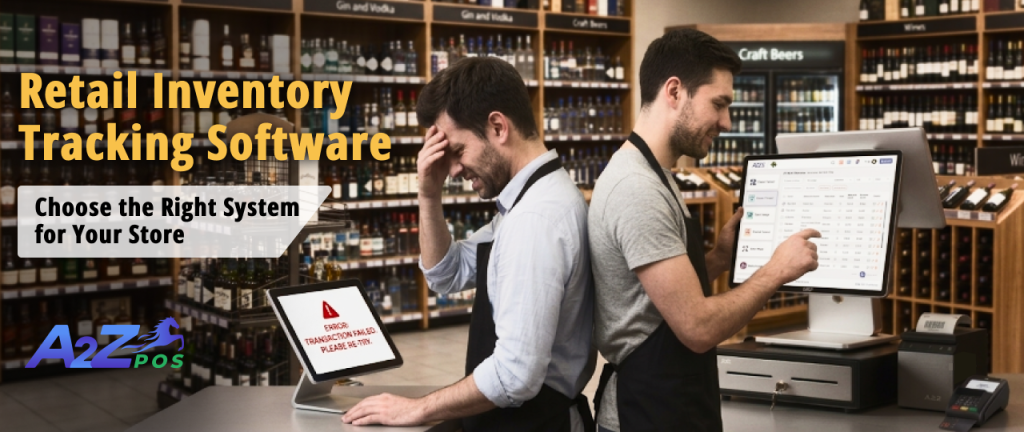
Every store owner has lived through this moment. A customer asks for an item, the shelf is empty, and the system still shows twelve in stock. Somewhere between the last delivery and the last sale, the numbers stopped matching reality. That gap between what your screen says and what is sitting on your shelves is the reason inventory tracking software exists in the first place.
Picking the right one is not just about finding software that counts items. It is about finding a pos inventory system built to match how your store runs, so your stock numbers, your orders, and your staff stay on the same page every day.
Why Inventory Problems Start Small and Grow Fast
Most stores do not lose control of their inventory overnight. It happens one missed count, one late reorder, and one mislabeled product at a time. By the time an owner notices, the damage has already spread across the shelves, the register, and the books.
The Real Cost of Manual Counts
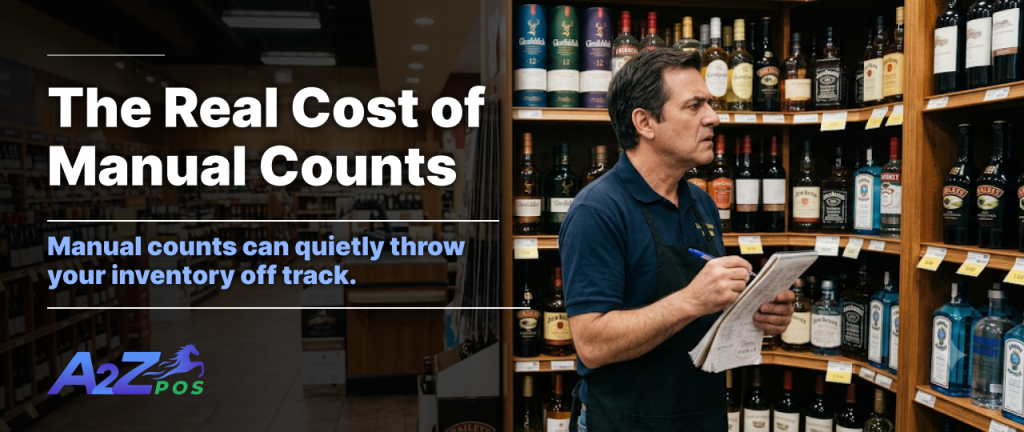
Counting stock by hand is slow, and it is also where most errors sneak in. A cashier rings up the wrong size, a case gets shelved under the wrong code, or a busy Friday means nobody updates the count at all. None of these are big mistakes on their own, but they pile up quietly until your numbers no longer mean anything.
Where Spreadsheets Fall Short
Spreadsheets feel manageable when a store is small, but they were never built to keep pace with daily sales, deliveries, and returns happening at the same time. One missed entry throws off every report that follows, and nobody finds out until a shelf runs empty or a supplier order comes in wrong.
Features That Actually Matter in Inventory Tracking Software

Not every inventory tool does the same job. Some just log numbers after the fact. The better ones keep your stock accurate the moment something changes, which is what separates software that helps from software that just adds another screen to check.
Live Stock Updates With Every Sale
Your stock count should change the instant an item is scanned, not at the end of the day or after someone remembers to update it. A system that updates in the moment gives you numbers you can actually trust when a customer asks if something is available.
Reorder Alerts Before You Run Out
Good inventory software tells you when stock is getting low before the shelf is bare, not after. An inventory monitoring system lets you set reorder points once and flag items automatically, so ordering becomes a five minute task instead of a weekly guessing game.
Barcode and Label Support Built In
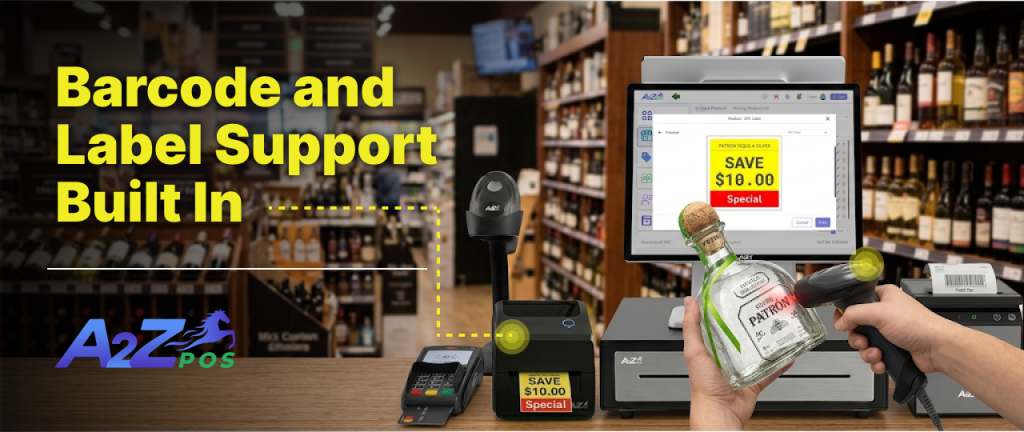
Manual entry invites mistakes, especially during busy shifts. Software that connects directly to barcode scanners and label printers cuts down on typing errors and keeps new or unbranded products moving through checkout just as fast as everything else.
Visibility Across Every Location
If you run more than one store, your inventory software needs to show you all of them at once, not one at a time through separate logins. Knowing what is sitting in a back room across town can save you from an unnecessary order or a missed transfer.
Reports You Can Actually Read
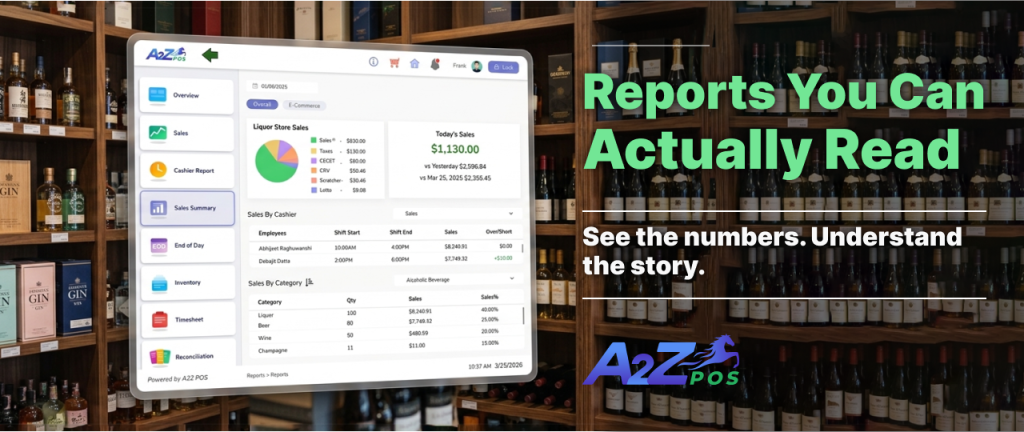
A count is only useful if it tells you something. Look for pos inventory management software that turns raw numbers into reports on what is selling, what is sitting, and what is about to expire, without needing a spreadsheet degree to understand them.
How A2Z Handles Inventory Differently
A2Z POS and inventory system is built around the idea that stock should update itself as your store runs, not after someone stops to check it. Every scan, sale, and delivery feeds directly into your inventory dashboard, so the numbers on your screen match what is actually on your shelves.
One System, No Manual Reconciling
Because A2Z inventory is tied directly to your point of sale, there is no separate system to update by hand at the end of the day. A sale rings up, the stock count drops, and your reports reflect it immediately.
Made for Liquor Stores and Neighborhood Markets
Generic inventory tools are not built for the pace of a liquor store or a corner market, where cases, singles, and age restricted items all move differently. A2Z accounts for that mix from the start, so tracking stays accurate no matter how your products are sold.
Questions Worth Asking Before You Buy
Before signing up for any inventory system, it helps to slow down and ask a few practical questions:
- Does it update stock in real time, or only after a manual sync? A delay of even a few hours can throw off your counts during a busy shift.
- Can it handle how my products are actually sold? Cases, singles, weighed items, and bundles all need to track differently.
- Will it work with the hardware I already own? Switching software should not mean replacing every scanner and printer too.
- How much training will my staff actually need? A system nobody wants to use quietly turns back into paper and guesswork.
- What happens when something goes wrong? Ask about support before you need it, not after.
Mistakes Store Owners Make When Switching Systems
Switching inventory software is usually where good intentions run into bad timing. A few habits tend to cause the most trouble:
- Migrating everything on a busy day. Give yourself a slower shift or a closed hour to move data over without customers waiting.
- Skipping staff training. Even the best software fails if cashiers fall back on old habits because nobody showed them the new steps.
- Ignoring existing barcodes and SKUs. Rebuilding your product list from scratch wastes time you did not need to spend.
- Not setting reorder points right away. A system without alerts set up still leaves you checking shelves manually.
Getting Your Staff to Actually Use It
The best inventory software still depends on the people ringing up sales every day. Keep the rollout simple: train on one register first, walk staff through a few real transactions, and let them ask questions before the whole team switches over. A short, hands on session beats a long manual nobody reads.
Choose Software That Grows With Your Store
Good inventory tracking management should fade into the background of your day, not add another task to it. It should tell you what is running low before a customer does, keep your counts accurate without extra effort, and hold up as your store grows from one location to several.
If your current system still has you counting shelves by hand or guessing at reorder points, it might be time for something built for how retail actually works. Get a Free Demo and see how A2Z keeps your inventory accurate from the first scan to the last sale of the day.