

POS Payment Processing Explained: Credit Cards, Contactless & EBT
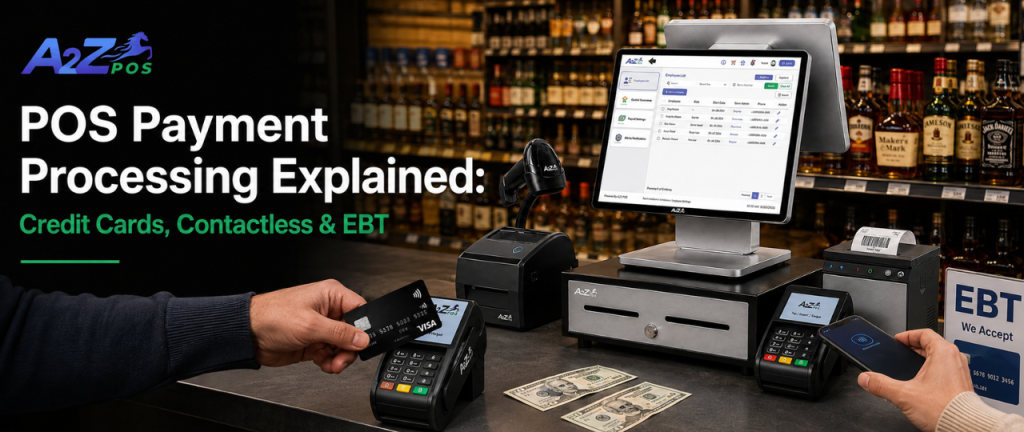
Every transaction at a liquor store or neighborhood market depends on payment processing working correctly, yet most store owners only think about it when something goes wrong. A POS payment processing system is what allows a customer’s card, phone, or benefits account to be verified and charged in the few seconds it takes to complete a sale. Understanding how this works, and how credit cards, contactless payments, and EBT each function differently, helps store owners choose the right setup and avoid costly mistakes at checkout.
This article breaks down what payment processing actually involves, how each payment type works, and why the right pos card machine and system setup matters more for liquor stores and neighborhood markets than most owners realize.
What Payment Processing Actually Means?
Payment processing is the behind-the-scenes journey money takes from a customer’s card or device to the store’s bank account. A pos card machine reads the payment, sends the information to a processor, checks if the funds are available, and confirms the sale, all within seconds. When this chain works smoothly, nobody notices it. When it breaks, everybody notices immediately, usually in the form of a stalled line and a frustrated customer.
This process happens in stages, even though it feels instant to the customer standing at the register. The card or device sends encrypted payment details to the processor, the processor checks with the customer’s bank to confirm funds are available, and an approval or decline gets sent back to the register, all within a couple of seconds under normal conditions. Any delay in this chain, whether from weak internet, outdated hardware, or an overloaded processor, shows up immediately as a slow or failed transaction.
Credit and Debit: The Backbone of Daily Sales
Credit and debit cards still make up the bulk of transactions at most liquor stores and neighborhood markets. A reliable card machine needs to read chip cards, magnetic stripes, and contactless taps without forcing a customer to try their card multiple times before it finally works. Slow or unreliable card processing doesn’t just annoy customers, it directly slows down the line and costs sales during peak hours when speed matters most.
A properly connected pos payment processing system should confirm a transaction in seconds and immediately update the sales record, so there’s never a mismatch between what the register shows and what actually got charged.
Contactless Payments Are No Longer Optional
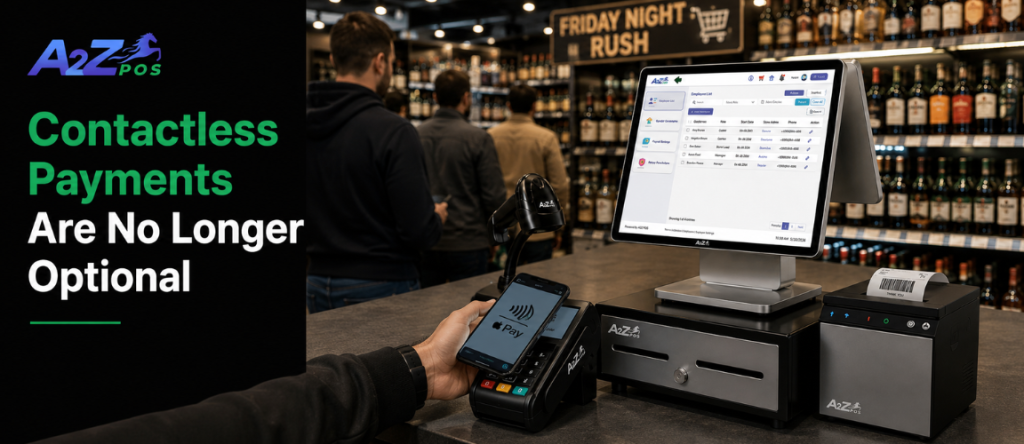
Contactless payments allow a customer to complete a purchase with a simple tap or hover of a card or device, without inserting a chip or entering a PIN. Apple Pay, Google Pay, and tap-enabled cards all fall into this category. While contactless and chip-based payments both process through the same banking systems behind the scenes, contactless has a clear edge in speed, making it a preferred option for quick, hassle-free transactions.
For a busy liquor store counter, this speed advantage adds up fast. Multiplied across a Friday night rush, those few extra seconds saved per transaction translate into a noticeably shorter line. A modern merchant pos setup needs to support contactless payments natively, not as a clunky workaround bolted onto older hardware. Customers who tap to pay everywhere else, from coffee shops to gas stations, expect that same convenience the moment they walk up to any counter, including a liquor store’s.
EBT: A Different Kind of Complexity
EBT, or Electronic Benefits Transfer, allows customers to pay for eligible groceries using government assistance funds through a Snap EBT card. This is where things get more complicated for liquor stores specifically. Federal rules do not allow EBT funds to be used for alcohol purchases. For a store that sells snacks, drinks, or convenience items alongside alcohol, the system needs to correctly separate EBT-eligible items from alcohol at checkout, automatically, every single time.
Getting this wrong isn’t just a compliance headache; it can create real legal risk. A dependable pos payment processing system needs built-in rules that recognize which products qualify for a Snap EBT card and which don’t, so staff aren’t left guessing or manually overriding transactions during a busy shift. This kind of automatic sorting matters even more in a mixed-inventory neighborhood market, where a single basket might include chips, soda, and a six-pack all rung up together.
Why Manual Card Entry Still Matters?
Not every transaction goes smoothly. Sometimes a card won’t read properly, and staff need to manually key in the card number instead. This function still needs to exist, but it also needs to be secure. A Pos card machine handling manual entries has to stay compliant with PCI security standards, protecting customer card data even when the transaction isn’t happening the usual way.
Stores that skip this kind of security compliance aren’t just risking fines; they’re risking customer trust the moment a data issue becomes public. A single reported breach can quietly cost a small store more in lost regulars than any fine ever could.
Splitting Payments and Handling Real-World Situations
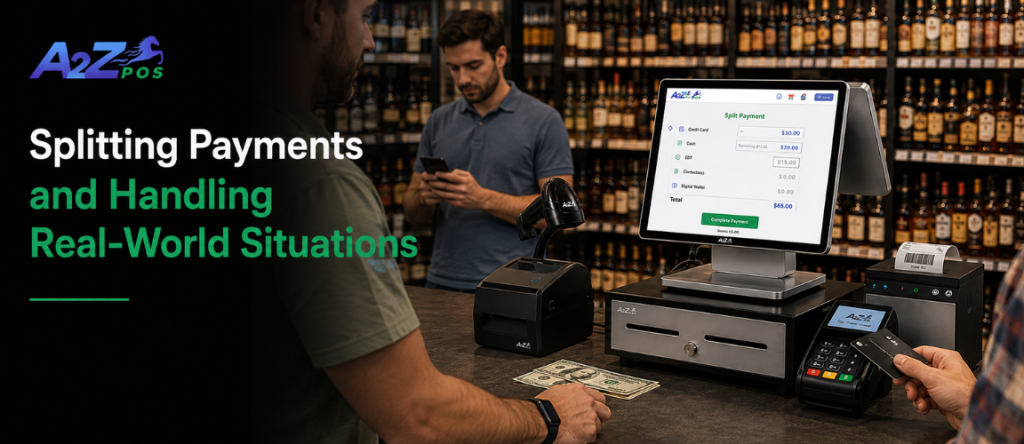
Real checkout situations rarely stay simple. A customer might want to put half the purchase on a card and the rest in cash. Someone else might ask for cash back on a debit transaction. Some customers may even ask if Crypto is accepted, a question that’s becoming more common as digital wallets grow in popularity. A good merchant pos setup should handle
these situations without slowing down the line or requiring a manager override for something that should be routine.
Small conveniences like these tend to matter more than owners expect, since customers remember which stores made paying easy and which ones made it a hassle. Over time, this kind of small friction quietly pushes regulars toward a competitor that simply makes checkout less complicated.
Why All of This Needs to Work Together?
Individually, credit card processing, contactless payments, EBT handling, and manual entry each seem like small technical details. Together, they make up the entire payment experience a customer has at the register. If even one piece is clunky or unreliable, it drags down the whole transaction, and busy liquor stores can’t afford that kind of friction during their highest-traffic hours.
This is exactly why payment processing shouldn’t be treated as a separate add-on bolted onto a checkout system. It needs to be built into the same platform already running sales, inventory, and compliance, so every transaction type, credit, contactless, EBT, or even Crypto, gets handled the first time correctly, without extra manual steps or staff second-guessing.
A2Z POS supports contactless payment processing directly at checkout, including Snap EBT card transactions and emerging options like Crypto, helping liquor stores and neighborhood markets move transactions faster while keeping compliance requirements, like properly separating EBT-eligible items from alcohol, handled automatically in the background.
Curious how smooth checkout could actually run with the right payment setup? A2Z POS demo shows exactly how it works in real time, worth seeing before assuming the current setup is as good as it gets.